Time to Recalculate E-commerce Product Image Costs: AI Generation vs. Traditional Photography, Which is More Cost-Effective?
AI Review Lab
April 24, 2026
Not all SKUs are suitable for AI, nor do all scenes require a photographer. A detailed cost breakdown and strategy guide comparing GPT Image 2 with traditional photography.
Not all SKUs are suitable for AI, nor do all scenes require a photographer. The key is knowing when to use which.
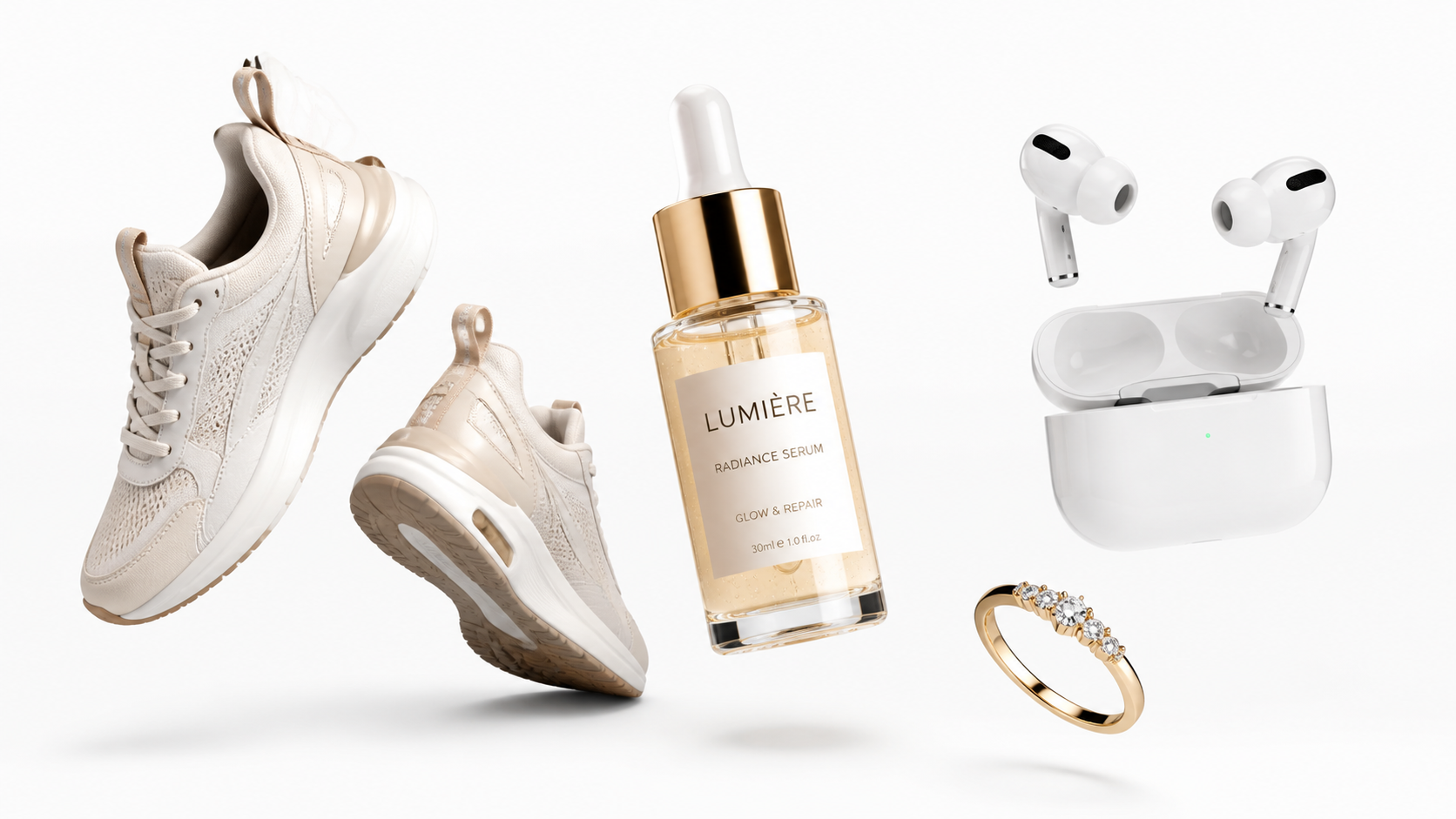
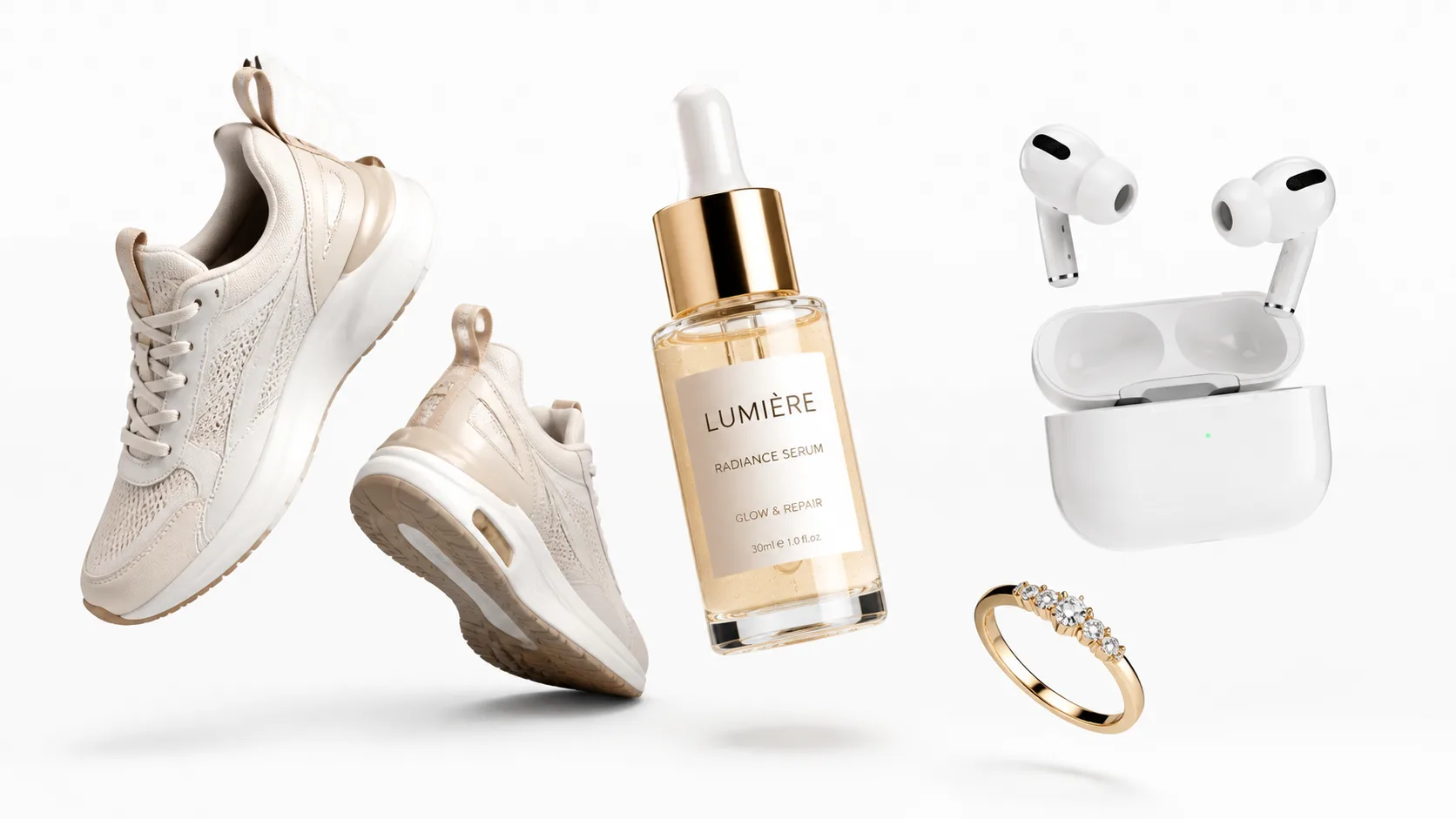
Product images in this article were generated by GPT Image 2.
This Article Won't Teach You How to Operate
There is already plenty of content on the market about GPT Image 2, most of which talks about "how to write prompts," "how to adjust parameters," or "how to use the API." These are certainly useful, but before you open any tool, there is a more fundamental question that needs to be answered first:
Should my e-commerce business actually adopt AI image generation?
There is no standard answer to this question. It depends on what you sell, where you sell it, your budget, your team's technical capabilities, and how high your requirements are for image precision.
What this article aims to do is help you calculate this cost clearly.
Where the Money Goes in Traditional Product Photography
Before discussing whether AI can replace it, let's break down the cost structure of traditional product photography.
For a medium-sized e-commerce seller, the cost of product images typically includes the following components:
Photography Team Fees. Hiring an external photography studio to shoot product images can range from hundreds to thousands per set. A professional e-commerce photography team in a tier-one city usually quotes between 500-2000 RMB for shooting one set per SKU (main image + white background + scene + detail). For categories with extremely high requirements for lighting and details, such as jewelry and cosmetics, the price will be even higher.
Scene Setup and Props. Lifestyle images require scenes—kitchen countertops, bathroom vanities, living room coffee tables, outdoor running tracks. These scenes involve either renting a studio to build a set or shooting on location, each incurring extra costs. Props are not cheap either; a set of premium-looking home props might cost hundreds to over a thousand.
Model and Hand Model Fees. Apparel requires real models, while jewelry and cosmetics require hand models. A half-day fee for a professional model ranges from 2000 to 10000, and hand models, though relatively cheaper, still cost hundreds to a thousand.
Post-Production Retouching. Finishing the shoot doesn't mean the work is done. Background removal, color grading, blemish removal, and adapting to different platform size requirements—the post-production cost per image ranges from 20 to 100 RMB.
Time Costs. From communicating requirements, scheduling, shooting, selecting photos, retouching, to final confirmation, the complete cycle for one SKU is typically 3-7 working days. Want to launch new products intensively before the peak season? Scheduling might require a 2-3 week wait.
Adding all the above together, the total traditional product image cost for one SKU is roughly between 500-3000 RMB, with a cycle of 3-7 days.
Where the Money Goes in AI Image Generation
The pricing structure of GPT Image 2 is very transparent, divided into three tiers based on quality and size:
| Tier | 1024×1024 Unit Price | Typical Use Case |
|---|---|---|
| low | Approx. ¥0.04 | Batch drafting, exploring composition directions |
| medium | Approx. ¥0.38 | The vast majority of final images |
| high | Approx. ¥1.50 | Hero positions, jewelry macros, high-precision needs |
This is the pure API call cost. However, AI image generation is not zero labor cost; you also need to consider:
Prompt Development and Debugging. Building templates for a new brand for the first time requires time investment, but once the template is mature, the marginal cost for each subsequent SKU is extremely low.
Post-Production Correction. AI output does not equal a finished product; edge trimming, background removal, color calibration, and compliance checks still require manual work. But this is much less workload than retouching a real photo from scratch.
Platform Adaptation. Amazon and Shopify have different requirements and need separate exports. However, this has to be done whether using AI or real photography.
Overall, the total AI product image cost for one SKU is approximately 5-50 RMB (including API calls and labor), with a cycle of a few hours to one day.
Side-by-Side Comparison: Five Key Dimensions
| Dimension | Traditional Photography | AI Image Generation (GPT Image 2) |
|---|---|---|
| Cost per SKU | ¥500-3000 | ¥5-50 |
| Delivery Cycle | 3-7 days | A few hours |
| Initial Learning Curve | Low (Just hire a photography team) | Medium (Need to learn prompts and workflow) |
| Visual Precision | High (Real object shooting, 100% accurate) | Medium-High (Requires real reference image as a baseline) |
| Scene Scalability | Low (Every new scene needs a reshoot) | High (Changing a prompt creates a new scene) |
| Batch Processing Capability | Low (Limited by scheduling and manpower) | High (API enables batch automation) |
| A/B Testing Friendliness | Low (Every variant set is a new cost) | High (Changing a few words creates a new version) |
| Platform Compliance Risk | Low (Real shooting is naturally compliant) | Medium (Requires manual compliance checks) |
From this table, it can be seen that AI image generation has an overwhelming advantage in cost, speed, and scalability, but it still requires human intervention for visual precision and compliance.
Which Categories Are Best Suited for AI First
Not all categories are suitable for a comprehensive switch in one step. Based on my observations, the "AI adaptability" of different categories varies greatly.
High Adaptability Categories
Home and Daily Necessities are the most ideal starting point. Items like cups, storage boxes, desk lamps, and pillows have simple shapes, easy-to-describe materials, and relatively lenient precision requirements. White background and scene images generated by AI have a very high pass rate.
Apparel and Footwear scene images are also very suitable for AI. Placing a pair of shoes on a running track or a jacket in a street scene—AI does these types of images quickly and well. However, it is still recommended to use real model photos as anchors for white background main images.
Beauty and Personal Care scene images are equally suitable. Serum on a bathroom shelf, face cream on a vanity—AI understands these scenes very well. However, the copy and ingredient lists on the bottles must be edited using real packaging photos.
Medium Adaptability Categories
Digital Electronics require caution. The tolerance for errors in details like port positions, button layouts, and nameplate text is extremely low. It is recommended to use the "real product photo + AI scene replacement" editing workflow rather than pure text generation.
Food and Beverage poses challenges in liquid textures and the realism of food. Beverage images generated by AI often "look like it but aren't quite," requiring multiple rounds of debugging.
Low Adaptability Categories
Jewelry macro images require extremely high precision. The facets of gemstones, metal reflections, details of prong settings—AI can do these, but the pass rate is not as stable as real photography. It is recommended that jewelry main and detail images still rely primarily on real photography, with scene and wearing images assisted by AI.
Medical Devices and Auto Parts, being highly regulated categories where product image accuracy directly relates to compliance and safety, are not recommended to replace real photography with AI.
When You Shouldn't Use AI
AI image generation is not a panacea. In the following scenarios, it is more reliable to honestly hire a photographer:
When product appearance is the core selling point. If your differentiation relies on design—such as an originally designed lamp or a uniquely shaped vase—AI-generated images can hardly replicate the design details 100%. A miss is as good as a mile.
When there is a lot of text and regulatory info on the packaging. Ingredient lists, usage instructions, regulatory logos—AI currently cannot render these texts with 100% accuracy. Once a mistake occurs, it's not just an aesthetic issue; it's a compliance issue.
When the platform explicitly requires real photos. Certain categories on Amazon have real-photo requirements for main images, and pure AI-generated images might be rejected. Specific rules vary by category, so it's recommended to check clearly before listing.
When brand visual assets require exclusivity. AI-generated images do not guarantee uniqueness. If your brand visuals are a core competitive advantage—such as an iconic packaging design—do not rely on AI generation; using real photography + trademark protection is safer.
The Optimal Strategy: Not an "Either/Or", but "Combined Operations"
After calculating this cost, my conclusion is not "replace photography with AI," but rather flexibly allocate the two methods based on SKU characteristics and image type responsibilities.
Specifically:
White Background Main Images — If the product has high requirements for shape, color, and label precision, use real photos as base images, and let AI handle only background removal and fine-tuning. If the product shape is simple and has high error tolerance, it can be generated directly by AI.
Scene Images — This is AI's home turf. Feed real product images to the AI and let it generate various usage scenes—kitchen, bathroom, outdoor, office desk. Changing a prompt gives you a whole new set of scenes; traditional photography simply cannot match this expansion speed.
Detail Images — For high-precision categories like jewelry and electronics, real photography is recommended for detail shots. For categories with high error tolerance like home goods and apparel, AI-generated macro images are sufficient.
A/B Testing Images — This is AI's killer scenario. Want to test the impact of different backgrounds, lighting, and compositions on conversion rates? Generate multiple variant sets with AI at almost zero cost. Traditional photography for A/B testing? Every variant set is a new expense.
If you want to try the practical effects of this hybrid strategy, gpt-image2ai.art is a good testing ground. Start with the category in your store with the highest error tolerance, and gradually expand the scope after running through the process.
Calculating the Total Cost for 100 SKUs
Assume you have 100 SKUs, each requiring three sets of images: main image + scene image + detail image.
Pure Traditional Photography Plan:
- Photography Team: 100 × ¥1000 (avg. price) = ¥100,000
- Post-Production Retouching: 100 × 3 images × ¥50 = ¥15,000
- Cycle: Approx. 4-6 weeks (including scheduling)
- Total: Approx. ¥115,000
Pure AI Image Generation Plan:
- API Calls: 100 × 3 image types × (3 low + 1 medium) ≈ ¥130
- Labor (Prompt debugging + post-production): Approx. ¥5,000-10,000
- Cycle: Approx. 1-2 weeks
- Total: Approx. ¥5,000-10,000
Hybrid Plan (Real Main Image + AI Scene/Detail):
- Real Main Image Shoot: 100 × ¥500 = ¥50,000
- Scene + Detail AI: Approx. ¥3,000-5,000
- Cycle: Approx. 2-3 weeks
- Total: Approx. ¥53,000-55,000
The pure AI plan saves over 90% of the cost, but visual precision is compromised. The hybrid plan saves half the cost while ensuring the precision of the main image. Which one to choose depends on your precision requirements and budget constraints.
Final Thoughts
AI image generation is not a silver bullet, but it has indeed changed the cost structure of e-commerce visuals.
In the past, product images were "heavy assets"—every image required real money to shoot, retouch, and export. Now, AI brings the cost of "scene expansion" and "version iteration" close to zero. This means you can run more visual tests with the same budget, or achieve the same visual coverage with a smaller budget.
The key is not to go to extremes. Neither "completely replace real photography"—which will lead to failures in precision and compliance; nor "avoid AI entirely"—which will leave you trailing behind competitors in cost and efficiency.
Find your own balance point, and get running.